



The best AI app builder helps you turn a text prompt into a working app, whether you write code or not.
I researched and tested dozens of platforms to find the 11 that hold up in 2026, including tools built for internal use and one designed specifically for apps your clients log into.
11 best AI app builders: TL;DR
Here are my picks at a glance. If you are moving on from a specific tool, I also compared Replit alternatives and apps like Bolt.
- Lovable: Best for founders who want a working prototype without writing code.
- Replit: Best for teams who want an autonomous agent to build, test, and fix the app for them.
- Assembly: Best for service firms building custom client-facing apps without code.
- Glide: Best for teams that already manage their data in a spreadsheet.
- Cursor: Best for developers who want AI assistance inside their existing codebase.
- Bubble: Best for builders who need complex workflows and business logic without code.
- Base44: Best for beginners who want to start building without any setup.
- v0 by Vercel: Best for developers who want production-ready React components fast.
- Figma Make: Best for design teams who want to move from prompt to prototype.
- Dyad: Best for developers who want to build locally and keep their code private.
- Bolt.new: Best for developers who want code control across multiple frameworks.
If your app starts from a spreadsheet or a database, I also compared AppSheet alternatives and Caspio alternatives, which range from spreadsheet-to-app builders to full app platforms.
How I researched and tested these AI app builder tools
If you already know you need custom apps for business, I tested 9 tools that replace generic software with something built for your workflow.
To keep the comparison fair, I built the same sample app across all 11 platforms, covering user-facing logic, data handling, and at least one integration on each.
Here's what I considered:
- Prompt-to-output quality: How accurately each tool interpreted a plain-language description and produced a working, usable result on the first or second attempt.
- Full-stack depth: Whether the tool handled backend logic, authentication, and data storage, or stopped at generating a polished-looking frontend.
- Ease of use: How quickly someone with a non-technical background could navigate the interface, make changes, and understand what the tool was doing.
- Integrations and deployment: How well each platform connected to external tools and how much additional setup was needed to get a project to a live, shareable state.
- Credit and pricing transparency: How predictable costs were during active building, and whether the free or entry-level tier offered enough to meaningfully evaluate the tool.
- Iteration experience: How well each tool handled follow-up changes without breaking earlier work or losing context from prior prompts.
The clearest pattern that emerged was the gap between tools that generate a convincing interface and tools that build something that actually runs end-to-end.
If reporting is the goal, tools built for customizable dashboards pull your data into one view built around your own metrics.
The 11 best AI app builders: Quick comparison
| Tool | Best for | Starting price | Strengths |
|---|---|---|---|
| Lovable | Fast prototypes without code | $21/month, includes 100 credits | Full-stack generation, GitHub sync, Supabase backend, and multiplayer collaboration |
| Replit | Full-stack builds with an autonomous agent | $18/month, includes $20 of monthly credits | Browser-based IDE, native database, autonomous agent builds, and one-click deployment |
| Assembly | Client-facing apps without code | $29/month | Client-facing app generation, branded client experiences with per-client permissions, and SOC 2 Type II, HIPAA, and GDPR compliance |
| Glide | Mobile apps from spreadsheet data | $25/month, billed monthly | Spreadsheet-to-app conversion, live data sync, and AI agent scaffolding |
| Cursor | AI assistance inside an IDE | $16/month | Codebase-aware suggestions, multi-model support, and background agents |
| Bubble | Complex workflows without code | $59/month (Web and mobile) | Visual workflow engine, relational database, and advanced business logic |
| Base44 | Zero-setup app building for beginners | $16/month, includes 100 message credits | Zero-configuration setup, conversational iteration, and live mobile preview |
| v0 by Vercel | React UI and frontend development | $30/user/month, billed monthly | React component generation, image-to-code conversion, and Vercel deployment |
| Figma Make | Design-first app prototyping | $16/month, includes 3,000 AI credits | Design-quality output, prompt-to-prototype generation, and code export |
| Dyad | Local, private app development | $20/month, billed monthly; includes 200 AI credits | Local execution, offline development, and BYO API key support |
| Bolt.new | Prompt-to-app with code control | $18/month, start at 10M tokens monthly | Multi-framework support, direct code access, and strong context retention |
Billed annually
1. Lovable: Best for fast prototypes without code
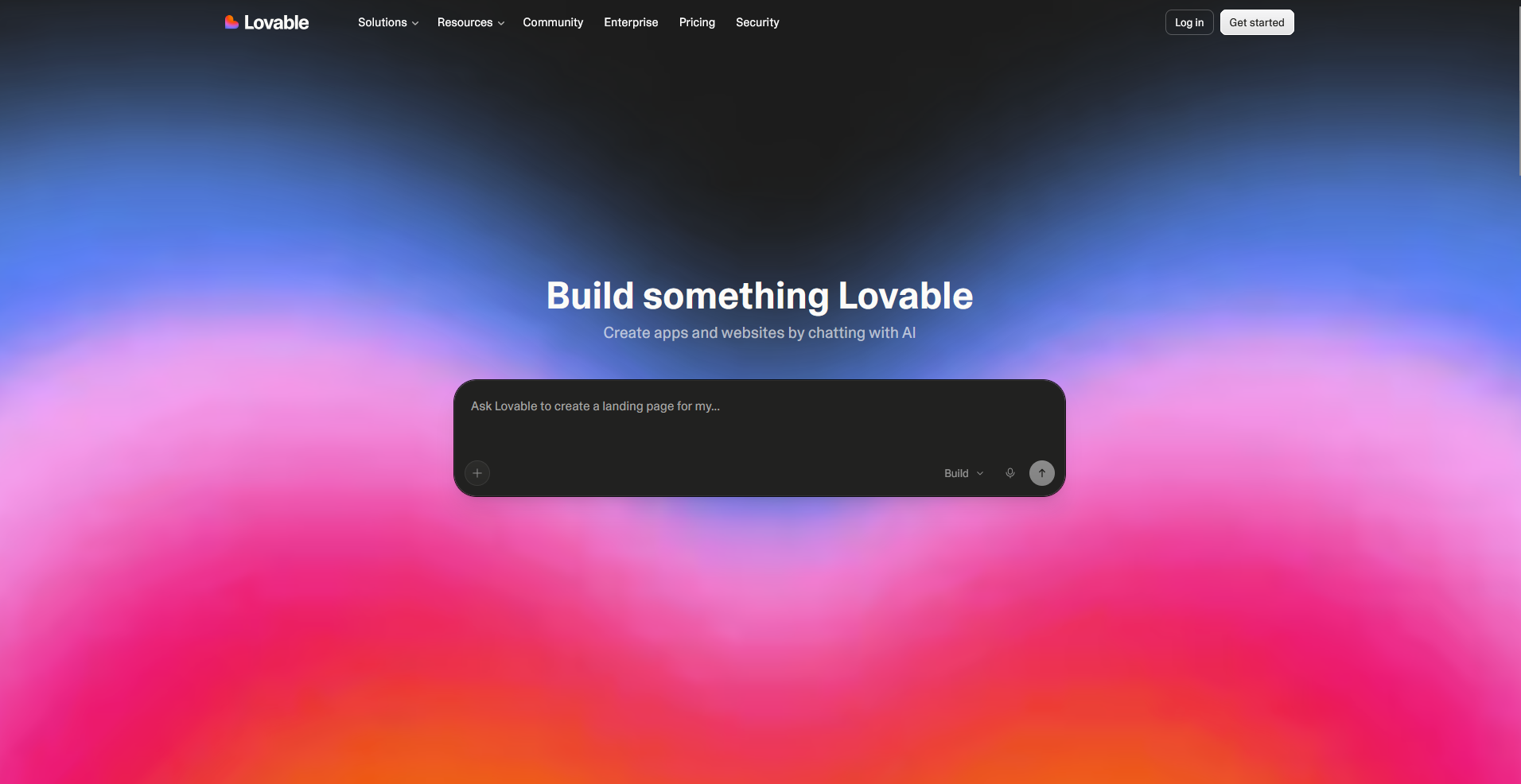
- What it does: Lovable is an AI app builder that generates a full-stack web app from a plain-language prompt, including a React frontend, Supabase backend, user authentication, and hosting.
- Best for: Non-technical founders and small product teams who want to ship a deployable web app from a prompt without writing or managing any code.
I tested Lovable to see how much of a working app it could generate from a single description with minimal manual setup. The first prompt produced a multi-screen app with user authentication, a database, and a live preview already in place. Follow-up prompts updated the existing structure and didn’t rebuild from scratch, though refining specific UI details consumed credits faster than I anticipated.
Key features
- Full-stack generation: Describe your app in plain language and Lovable generates the frontend, backend, database, and authentication in one pass, with a live preview updating as it builds.
- GitHub sync: Every change Lovable makes commits automatically to a GitHub repository, so you can hand the codebase off to a developer or continue building outside the platform at any point.
- Multiplayer collaboration: Multiple users can work on the same project at the same time, useful for small teams where a product manager and developer need to iterate together.
Pros and cons
| Pros | Cons |
|---|---|
| Generates clean, exportable React code you can hand off to a developer | Credits deplete faster during heavy iteration |
| Built-in Supabase backend handles authentication and data storage without external setup | Complex backend logic often needs manual review after generation |
| Multiplayer support lets teams collaborate on the same project in real time |
What users say
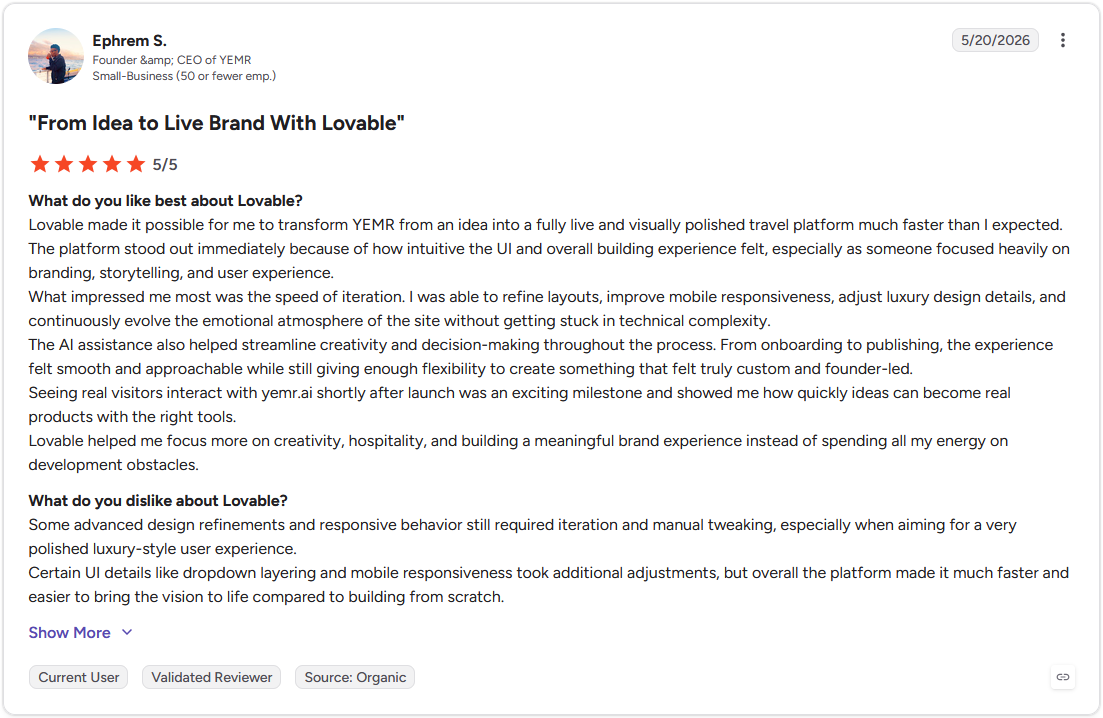
Pro: "Lovable made it possible for me to transform YEMR from an idea into a fully live and visually polished travel platform much faster than I expected." - Ephrem S., G2
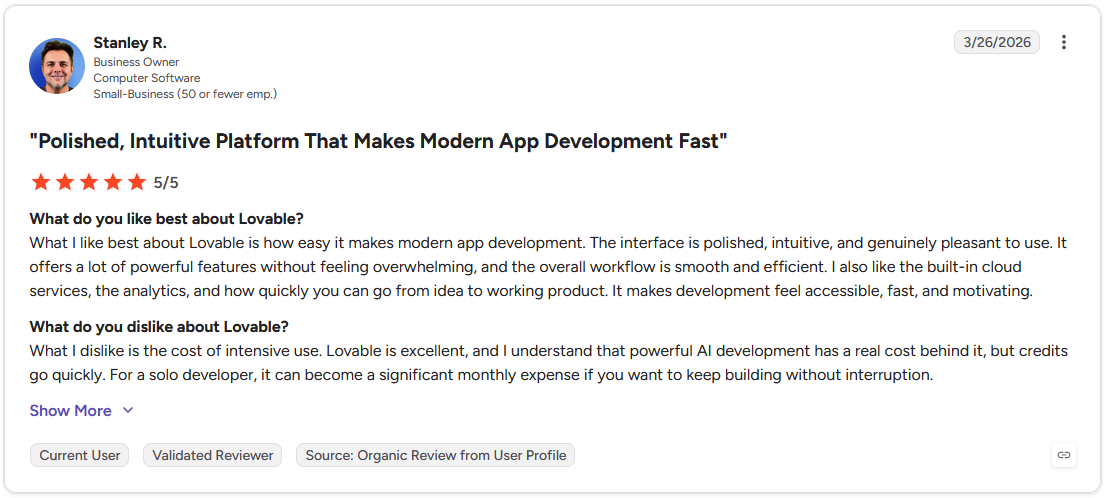
Con: "Credits go quickly. For a solo developer, it can become a significant monthly expense if you want to keep building without interruption." - Stanley R., G2
Pricing
Lovable starts at $21 per month and includes 100 credits.
Bottom line
Lovable's plan mode lets you review and approve exactly what the tool will build before any changes run, which helps avoid unintended rewrites on larger projects. If you need more autonomy in the build process or want to test your app on a real device, Replit might be a better fit.
If you are building internal tools and want more control than a prompt-based builder gives you, I also compared ToolJet alternatives, from open-source builders to enterprise low-code platforms.
2. Replit: Best for full-stack builds with an autonomous agent
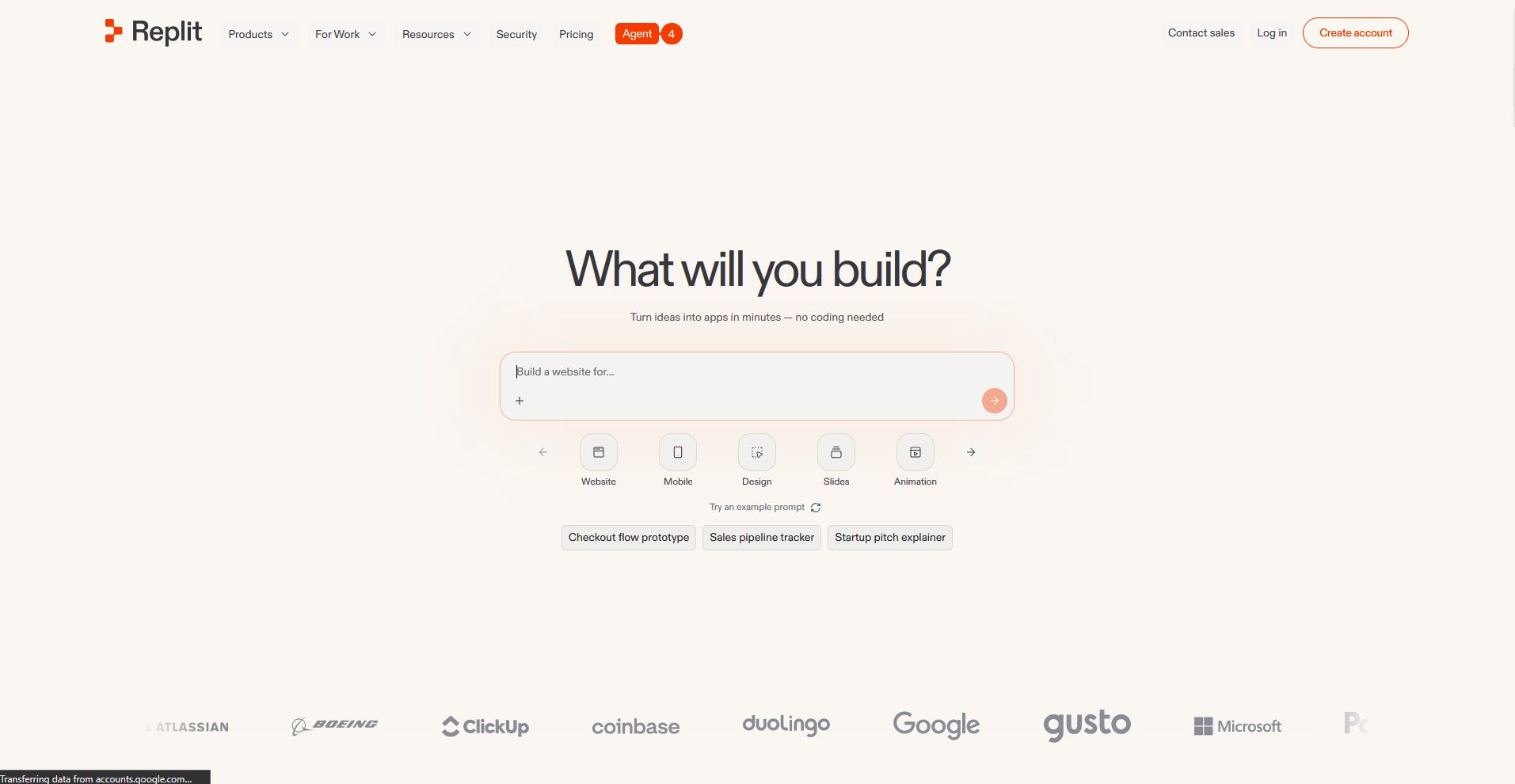
- What it does: Replit is a browser-based development environment with an AI agent that builds, tests, and fixes full-stack apps from plain-language descriptions, with native database, hosting, and deployment built in.
- Best for: Founders and small teams who want an autonomous build process that handles setup, debugging, and deployment without switching between tools.
Replit's autonomous agent was the main thing I wanted to put to the test, so I described a multi-screen app with user authentication and a third-party integration and let it run. It caught and fixed errors on its own mid-build, which meant less back-and-forth than expected. On longer projects though, the agent's background behavior can burn through credits faster than you'd anticipate.
Key features
- Autonomous agent builds: Describe what you want to build and the agent generates the code, runs the app, checks for errors, and fixes them without waiting for input at each step.
- Native database and hosting: Every Replit project includes a built-in database, hosting environment, and one-click deployment, so you don't need to connect or configure external services to get a project live.
- Real device testing: Scan a QR code to open and interact with your app on an actual phone using Expo without relying on a browser simulation.
Pros and cons
| Pros | Cons |
|---|---|
| Agent catches and fixes errors without waiting for manual input | Agent can burn through credits quickly on longer builds |
| Browser-based environment requires no local setup or configuration | Non-technical users may find the interface harder to navigate than guided platforms |
| Native database, hosting, and deployment come included without external setup |
What users say
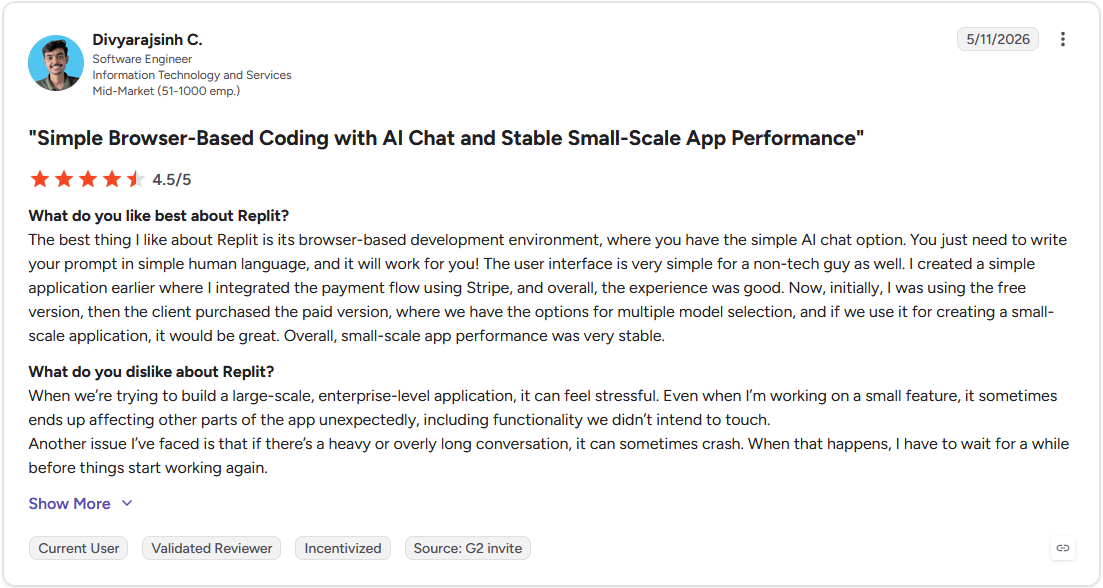
Pro: "The best thing I like about Replit is its browser-based development environment, where you have the simple AI chat option. You just need to write your prompt in simple human language, and it will work for you! The user interface is very simple for a non-tech guy as well." - Divyarajsinh C., G2
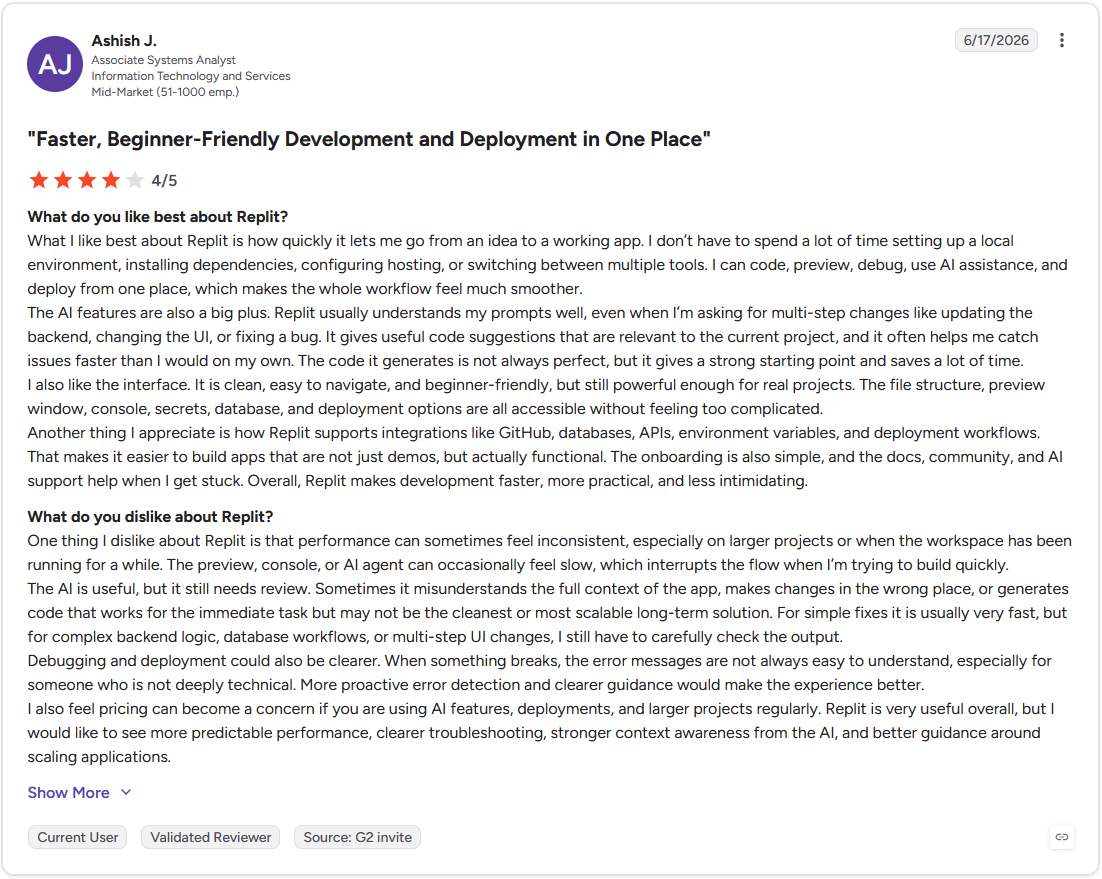
Con: "Performance can sometimes feel inconsistent, especially on larger projects or when the workspace has been running for a while. The preview, console, or AI agent can occasionally feel slow, which interrupts the flow when I'm trying to build quickly." - Ashish J., G2
Pricing
Replit starts at $18 per month and includes $20 of monthly credits.
Bottom line
Replit's self-checking agent loop is what separates it from most prompt-based builders, since it validates and fixes the app during the build and doesn’t hand you something broken to debug. If you want a cleaner interface with less technical overhead and don't need autonomous error correction, Lovable might be the better choice.
3. Assembly: Best for client-facing apps without code
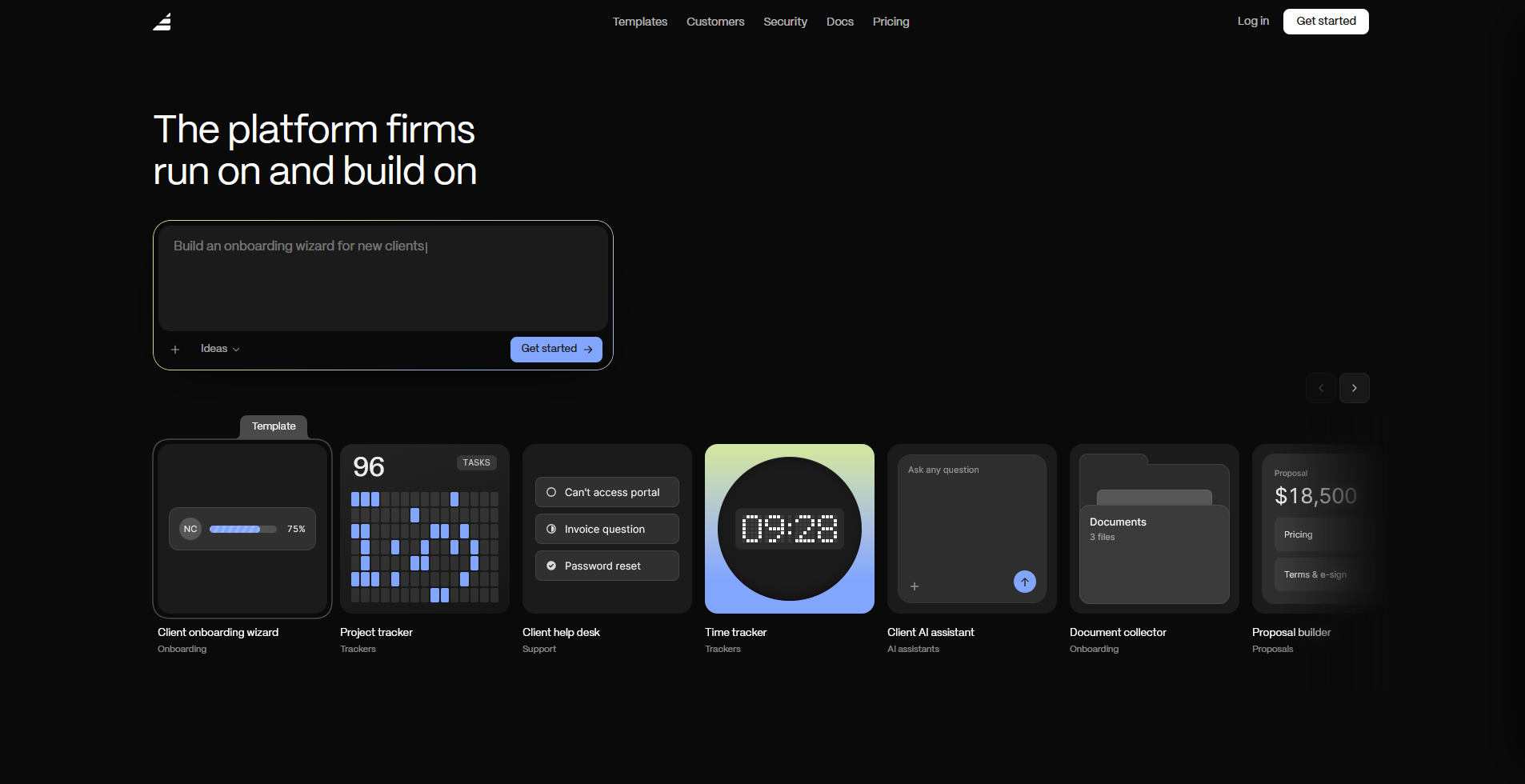
- What it does: Assembly is a client platform with an AI app builder that turns a prompt into a client-facing app, such as a dashboard, project tracker, or onboarding flow. It ships directly into a branded client experience with per-client permissions, files, messaging, and billing already connected.
- Best for: Service businesses and agencies that need to build apps their clients log into, branded as their own and secure enough for real client data.
Assembly handles client-facing apps well. You describe something like a client onboarding flow, answer a few setup questions, and approve the plan before it builds. From there, it generates the screens, data structure, and layout, and applies per-client permissions automatically so each client only sees their own data.
Assembly’s AI app builder is built for logged-in experiences. Public pages like a marketing site or storefront, along with video or streaming-heavy products, are a weaker fit. If a client login is the main thing you need, I also compared 10 no-code client portal and dashboard tools that offer branded client experiences.
Key features
- Client-facing app generation: Describe the app your clients need, and Assembly’s AI app builder generates the screens, data structure, and layout from that description.
- Built-in client platform: Apps ship alongside contracts, e-signatures, invoicing, and messaging, so what you build connects to real client data and billing without separate integrations.
- Permissions and branding by default: Each client sees only their own data in a white-label space that reflects your brand, with no separate login setup or access configuration needed after the build.
Pros and cons
| Pros | Cons |
|---|---|
| Builds client-facing apps (hubs, dashboards, onboarding) without code, branded as your own | Built for authenticated, logged-in experiences. Public unauthenticated pages like marketing sites and logged-out storefronts are a weaker fit |
| Apps ship into a space clients already use, alongside their files, invoices, and messages | Not suitable for streaming and video-heavy products |
| SOC 2 Type II, HIPAA, and GDPR compliance with audit logs and per-client permissions |
What users say
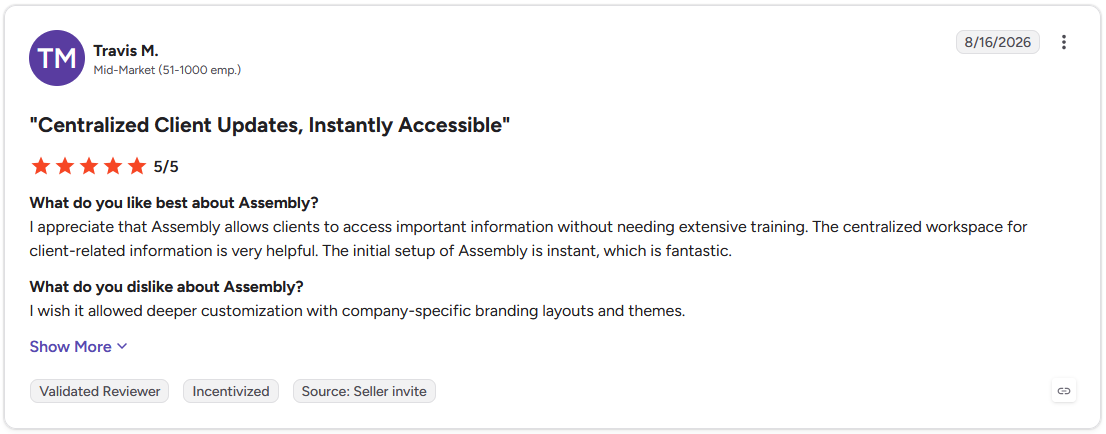
Pro: "I appreciate that Assembly allows clients to access important information without needing extensive training. The centralized workspace for client-related information is very helpful." - Travis M., G2
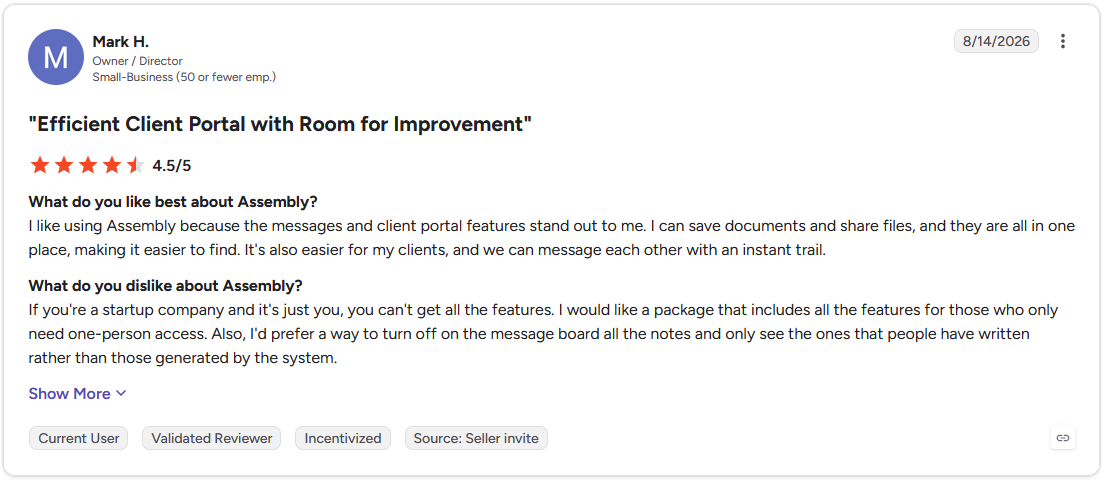
Con: "If you're a startup company and it's just you, you can't get all the features. I would like a package that includes all the features for those who only need one-person access." - Mark H., G2
Pricing
Assembly has a free plan, and paid plans start at $29 per month billed annually.
Bottom line
Assembly's advantage comes from what happens after the app ships, since it lands inside a branded client experience your clients are already logging into for files, billing, and messaging. If your build doesn't need a client-facing layer and you want more flexibility over the underlying code, Cursor might be a better fit.
4. Glide: Best for mobile apps from spreadsheet data
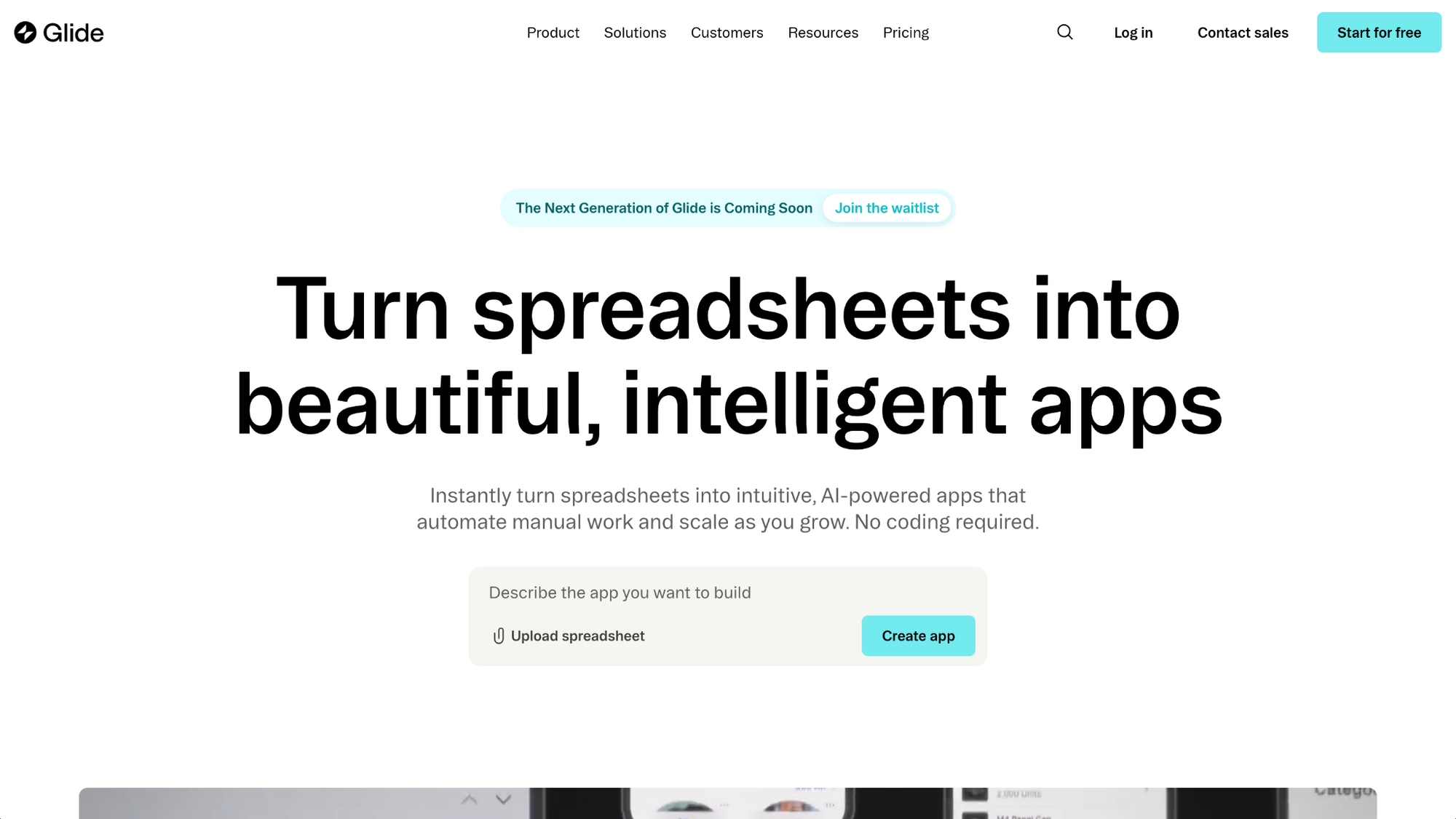
- What it does: Glide is an AI app builder that turns data from Google Sheets, Airtable, or Excel into a mobile app, with an AI agent that scaffolds screens, layouts, and data tables from a plain-language description.
- Best for: Operations teams and small businesses that already manage data in spreadsheets and want to turn that data into a usable mobile app without rebuilding their data structure from scratch.
I connected a sample Google Sheet to see how Glide handled the transition from spreadsheet to working app. The initial screens, navigation, and data tables came together from a plain description in one pass, which was faster than I expected. Booking logic and multi-step rules still had to be built by hand in the Workflows tab.
Key features
- Spreadsheet-to-app conversion: Connect a Google Sheet, Airtable base, or Excel file and Glide generates the app's data structure and initial screens from your existing data automatically.
- Live data sync: Changes made in your connected spreadsheet update in the app on the Maker plan and above, and changes made inside the app write back to the spreadsheet without manual synchronization.
- AI agent scaffolding: Describe the app you want and the agent generates sample data tables, applies basic branding, and creates initial screens as a starting point for further refinement.
Pros and cons
| Pros | Cons |
|---|---|
| Turns existing spreadsheet data into a mobile app without rebuilding the data structure | AI agent is labeled experimental and can't generate complex logic like payments or booking rules |
| Live data sync between the app and spreadsheet works in both directions on paid plans | Real-time sync with Google Sheets, Airtable, and Excel is not available on the free plan |
| Structured builder tabs keep data, layout, and workflow logic in separate, manageable areas |
What users say
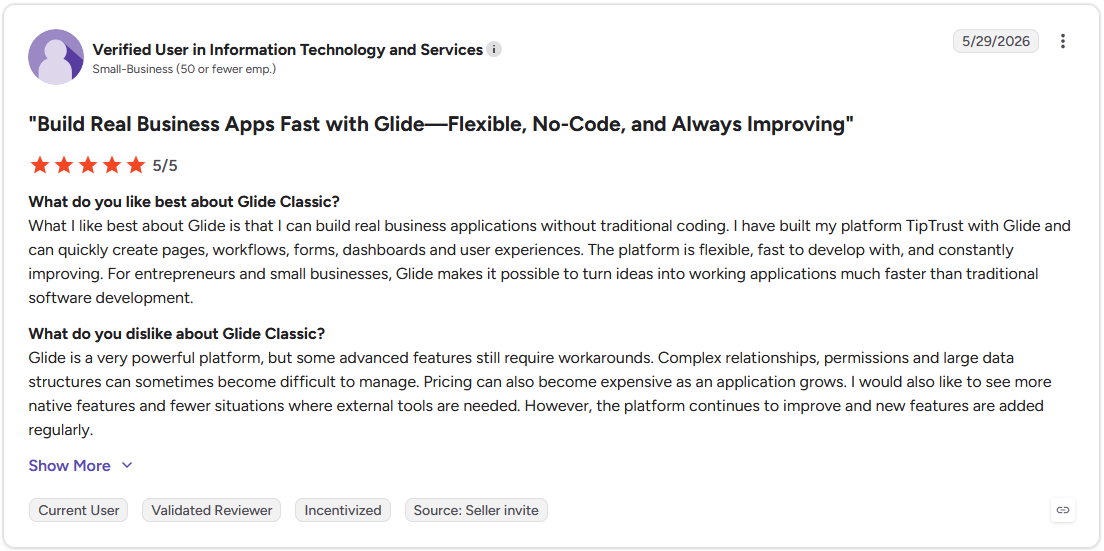
Pro: "What I like best about Glide is that I can build real business applications without traditional coding. … The platform is flexible, fast to develop with, and constantly improving. For entrepreneurs and small businesses, Glide makes it possible to turn ideas into working applications much faster than traditional software development." - Verified User in Information Technology and Services, G2
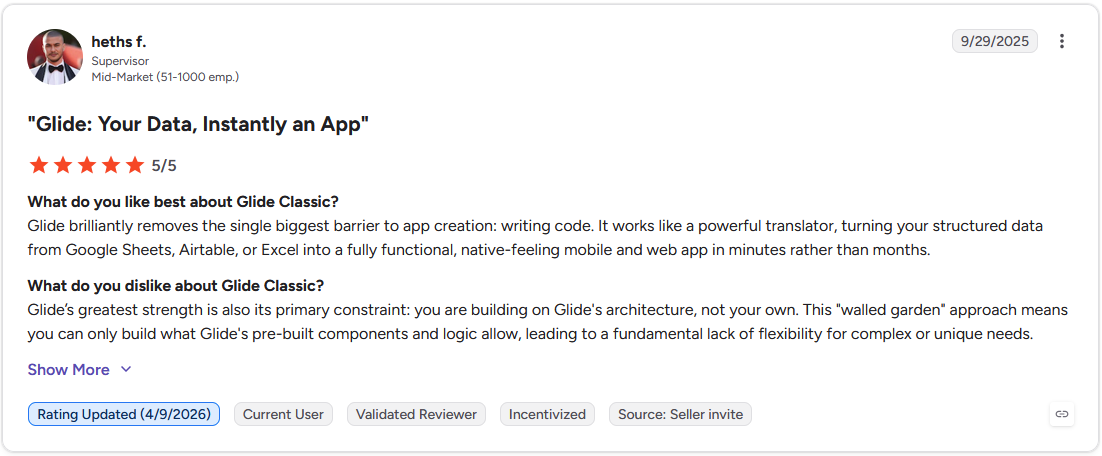
Con: "Glide's greatest strength is also its primary constraint: you are building on Glide's architecture, not your own. This 'walled garden' approach means you can only build what Glide's pre-built components and logic allow, leading to a fundamental lack of flexibility for complex or unique needs." - Heths F., G2
Pricing
Glide starts at $25 per month, billed monthly.
Bottom line
Glide's core advantage is that it meets your data where it already is, so teams running on spreadsheets can get a working mobile interface without migrating to a new data system. If your project needs complex backend logic or doesn't start from an existing data source, Bubble is worth considering.
5. Cursor: Best for AI assistance inside an IDE
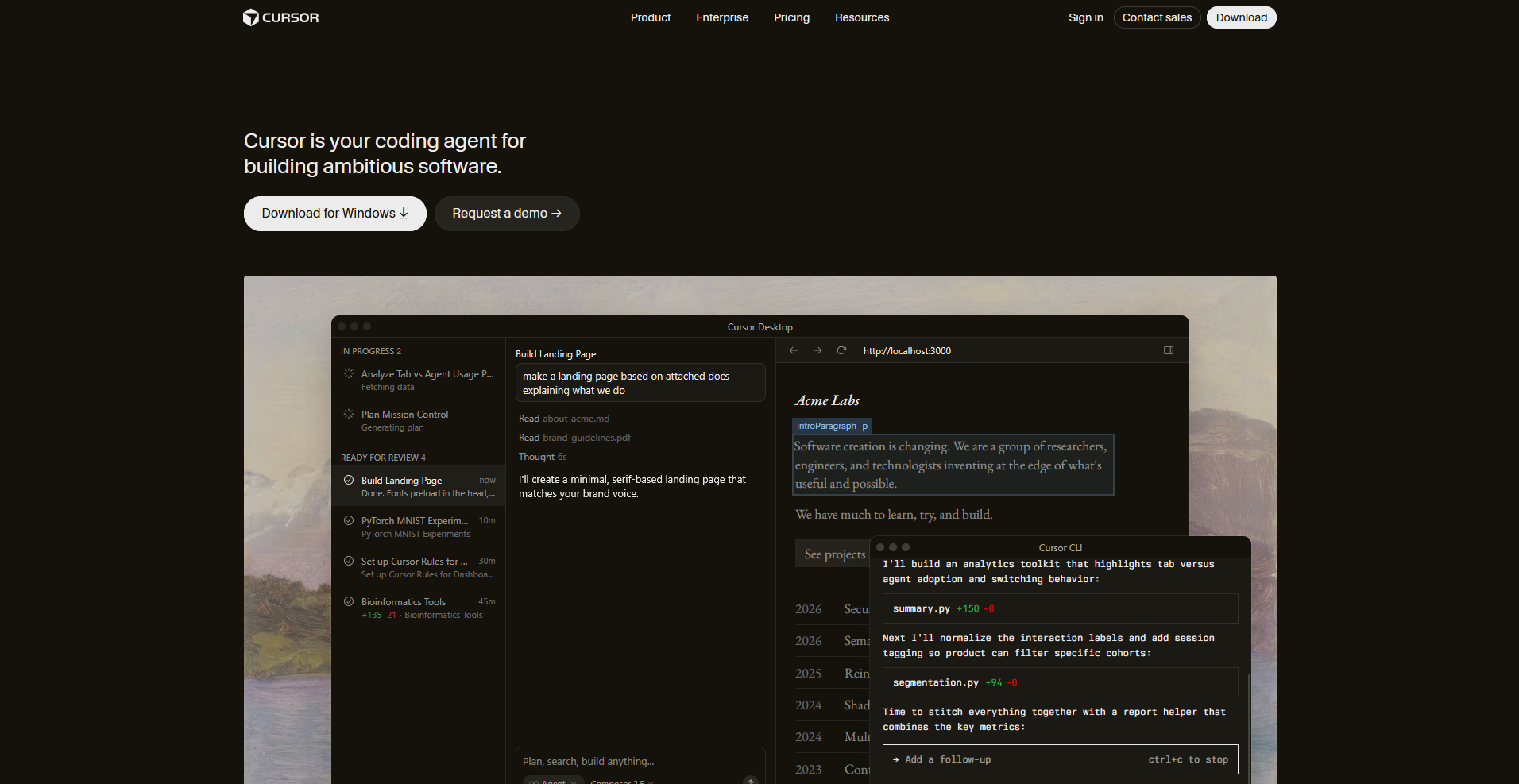
- What it does: Cursor is an AI-powered code editor built on VS Code that indexes your entire codebase and uses that context to generate, refactor, and debug code across files.
- Best for: Developers and technical teams who already write code and want AI assistance that understands the full context of an existing project.
Cursor is built for existing codebases, so I brought in a mid-sized project and asked it to add a new feature across multiple files. It located the relevant code and carried edits forward without breaking earlier work, though the agent pauses for input on ambiguous tasks and avoids making assumptions. This can add steps on less clearly defined requests.
Key features
- Codebase indexing: Cursor reads and indexes your entire repository before making any suggestions, so recommendations account for existing patterns, naming conventions, and file relationships.
- Multi-model support: Switch between different AI models depending on the task, using faster models for small edits and more capable models for complex logic or large refactors.
- Background agents: Run parallel agents that handle different parts of a task simultaneously, such as exploring the codebase, writing tests, and running commands at the same time.
Pros and cons
| Pros | Cons |
|---|---|
| Codebase-aware suggestions account for existing patterns across the full project | Requires existing programming knowledge to use effectively |
| Multi-model flexibility lets you balance speed and output quality per task | No built-in hosting, database, or deployment included |
| Background agents can handle multiple parts of a build in parallel |
What users say
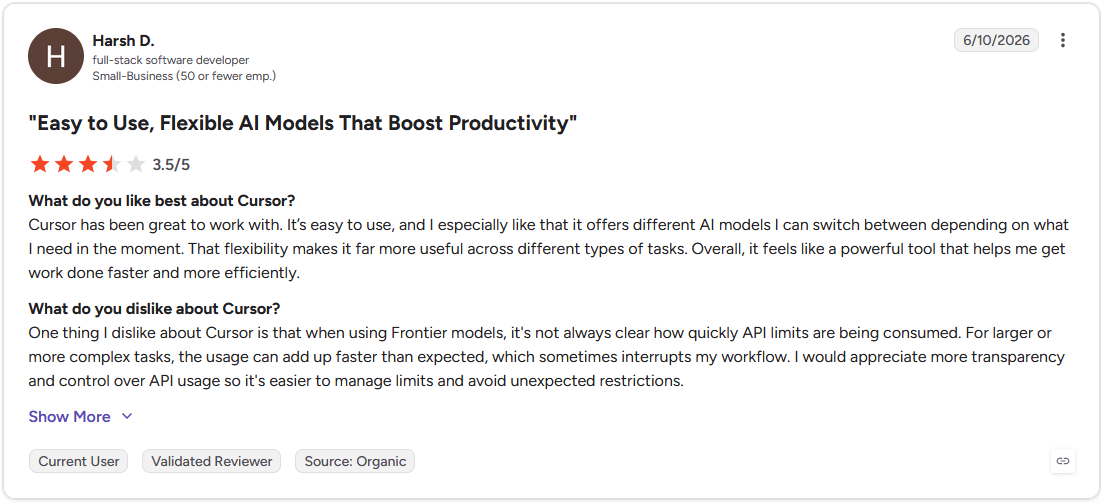
Pro: "Cursor has been great to work with. It's easy to use, and I especially like that it offers different AI models I can switch between depending on what I need in the moment. That flexibility makes it far more useful across different types of tasks." - Harsh D., G2
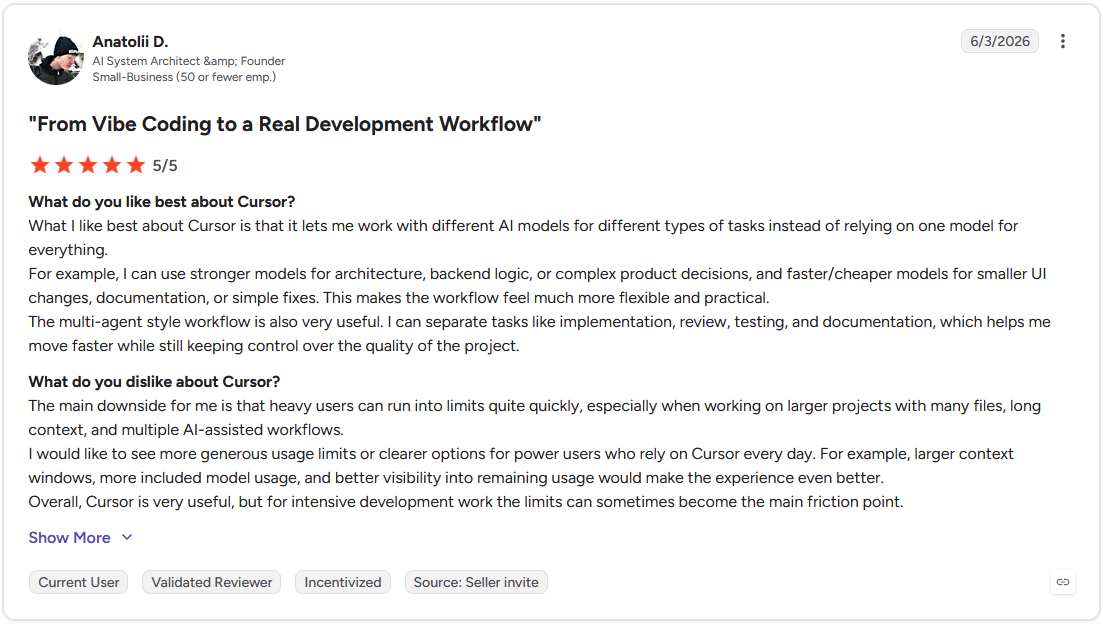
Con: "Heavy users can run into limits quite quickly, especially when working on larger projects with many files, long context, and multiple AI-assisted workflows." - Anatolii D., G2
Pricing
Cursor starts at $16 per month.
Bottom line
Cursor's codebase indexing means it can work with projects that have years of existing history, instead of only generating from scratch. If you don't write code and need a tool that handles the full build without technical input, Lovable might be worth a look.
6. Bubble: Best for complex workflows without code
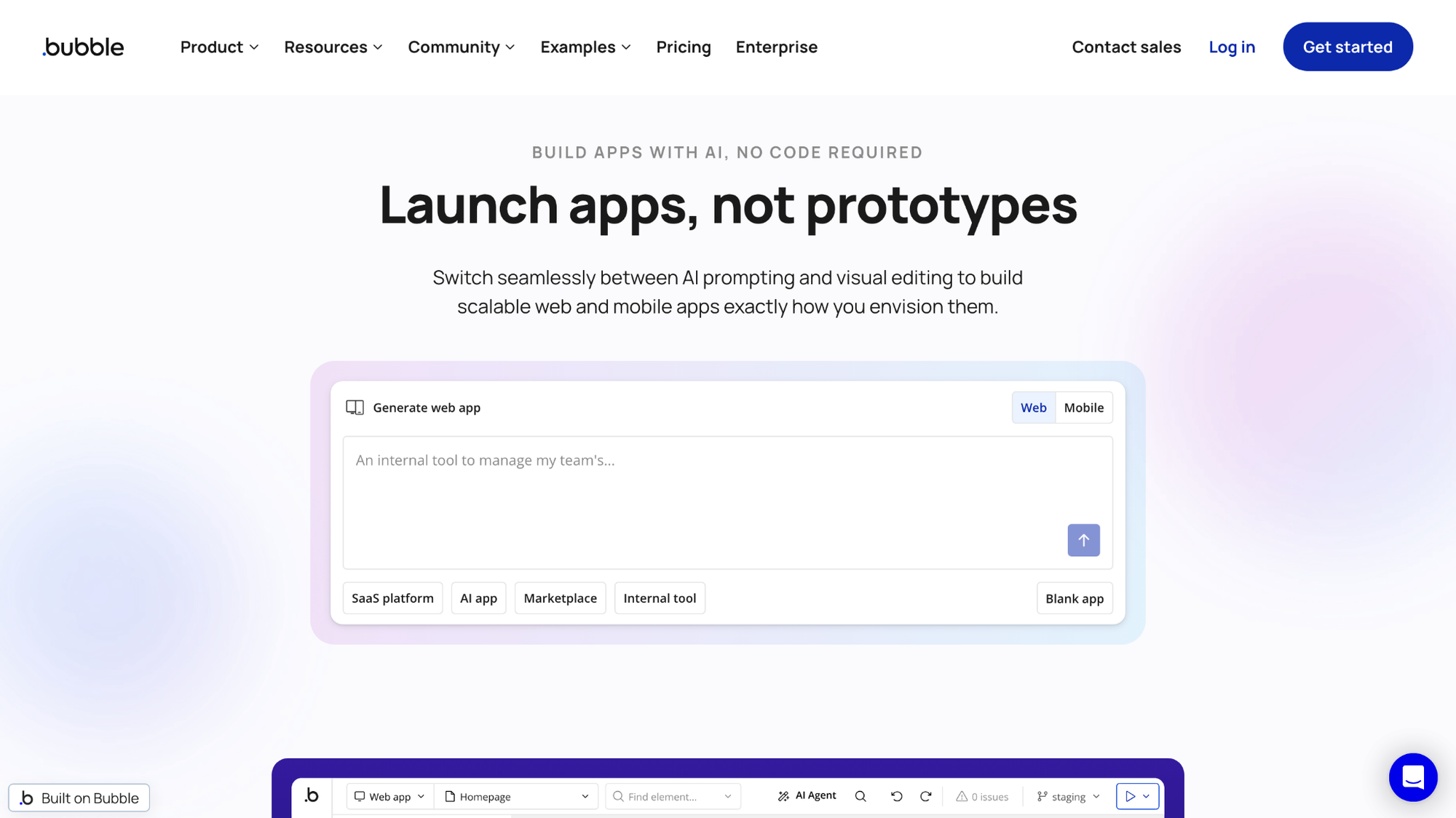
- What it does: Bubble is a visual no-code platform that lets you build web apps with a drag-and-drop editor, a full relational database, and a workflow engine that handles complex business logic without writing code.
- Best for: Non-technical founders and operations teams who need to build web apps with conditional logic, multi-step automations, or advanced data relationships that simpler prompt-based tools can't handle.
Bubble's workflow engine handled conditional branching, scheduled triggers, and role-based permissions cleanly when I built a multi-step approval workflow to test its logic depth. But the editor is dense, and getting comfortable with how it organizes elements, data, and workflows takes time before builds move quickly.
Key features
- Visual workflow engine: Build conditional logic, scheduled tasks, and multi-step automations using a visual editor, with each workflow step laid out as a readable sequence of actions.
- Relational database: Define data types, set privacy rules, and create relationships between records directly inside Bubble without connecting an external database.
- AI agent assistance: Use Bubble's built-in AI agent to modify designs, explain elements, or scaffold parts of the app through a chat interface inside the editor.
Pros and cons
| Pros | Cons |
|---|---|
| Visual workflow engine handles conditional logic and multi-step automations without code | Editor has a steep learning curve that requires meaningful time before builds move quickly |
| Full relational database with privacy rules and permissions built in | AI agent is still in beta and not reliable enough for complex logic without manual oversight |
| Handles complex data relationships that simpler prompt-based tools can't support |
What users say
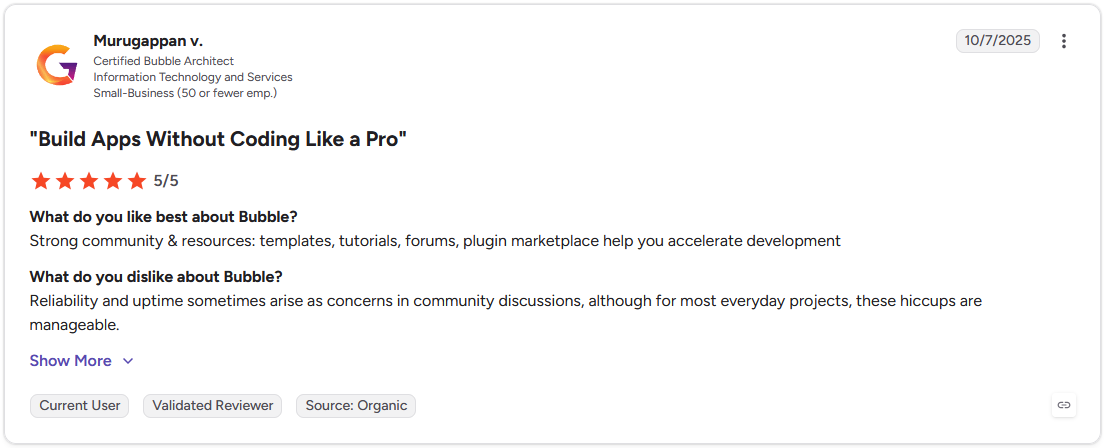
Pro: "Strong community & resources: templates, tutorials, forums, [and] plugin marketplace help you accelerate development." - Murugappan V., G2
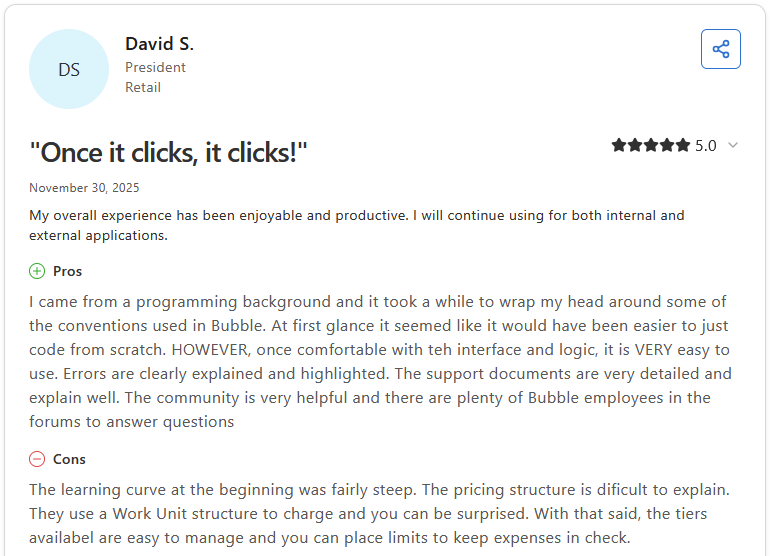
Con: "The learning curve at the beginning was fairly steep. The pricing structure is difficult to explain. They use a Work Unit structure to charge and you can be surprised. With that said, the tiers available are easy to manage and you can place limits to keep expenses in check." - David S., Capterra
Pricing
Bubble starts at $59 per month, billed as a Web and mobile plan.
Bottom line
Bubble's workflow engine can handle conditional logic and multi-step automations that prompt-based builders often can't, making it worth considering when business rules are the core challenge of your build. If your project is data-driven and starts from an existing spreadsheet, Glide might suit your needs.
Special mentions
These tools didn't make the main list, but each one covers a specific use case well enough to deserve a closer look depending on what you're building.
Here are 5 more AI app builders worth considering:
- Base44: Base44 is a full-stack AI app builder that handles database setup, authentication, hosting, and deployment without any configuration on your end. In testing, the "Discuss Mode" for brainstorming before building was a useful touch, though the platform felt limiting once the app logic got more complex or required integrations outside its core set.
- v0 by Vercel: v0 is a generative AI tool by Vercel that turns prompts or uploaded designs into production-ready React components. The output quality was clean and consistent in testing, but it's frontend-first by design. That means backend logic and data handling likely need to be built elsewhere.
- Figma Make: Figma Make is Figma's AI app builder, turning prompts into multi-screen prototypes with a code export option. For teams already in the Figma ecosystem it fits naturally, but what it generates tends to sit closer to a prototype than a shippable product.
- Dyad: Dyad is an open-source AI app builder that runs entirely on your local machine, keeping your code and data off the cloud. I found it a reasonable option for privacy-sensitive projects, though the interface skews toward users comfortable with local development environments.
- Bolt.new: Bolt.new is a browser-based AI development environment that lets you prompt your way to a working app while keeping the full codebase editable throughout. Context retention across longer builds held up well in testing, but the code-forward interface can feel harder to navigate without some technical background.
Which AI app builder should you choose?
The right AI app builder depends on your technical comfort level, how much control you want over the code, and how complete your app needs to be out of the gate.
Choose Lovable if you:
- Want to go from a text prompt to a full-stack web app without writing any code
- Need built-in authentication, a database, and hosting handled automatically
- Plan to hand the codebase off to a developer later and need clean, exportable React code
Choose Replit if you:
- Want an autonomous agent that builds, tests, and fixes your app without constant input
- Need a browser-based environment with native database, hosting, and deployment in one place
- Are comfortable with some technical oversight and want to test your app on a real device
Choose Assembly if you:
- Are building an app for your clients to log into
- Want the app to ship directly into a branded client experience with files, billing, and messaging already connected
- Need per-client permissions applied automatically so each client only sees their own data
Choose Glide if you:
- Already have data in Google Sheets or Airtable and want to turn it into a mobile app
- Need live data sync between your spreadsheet and your app without manual updates, though this requires a paid plan
- Are building a straightforward data-driven app instead of a complex multi-feature product
Choose Cursor if you:
- Already write code and want AI assistance inside a real IDE
- Work with large, existing codebases and need a tool that understands context across files
- Need full control over your stack, framework, and long-term code architecture
Choose Bubble if you:
- Need to build complex workflows, conditional logic, or multi-step automations without code
- Want a full relational database with advanced privacy rules and permission controls
- Are building a web app with sophisticated business logic that simpler prompt-based tools can't handle
Skip this category entirely if you:
- Need a native mobile app for the App Store or Google Play, since most of these tools build web apps or progressive web apps
- Are building something at enterprise scale with strict compliance, security, or infrastructure requirements that managed platforms can't accommodate
- Already have a development team and a defined stack, since a dedicated AI coding tool or traditional development workflow may serve you better
Most AI app builders build for your team. Assembly builds for your clients.
Every AI app builder above focuses on what your team builds and uses internally. A lot of what businesses actually need to build gets used by clients instead, like dashboards, onboarding flows, and branded spaces customers log into. Assembly is built specifically for that second category.
Assembly is a client platform built for client-facing experiences. You describe the app you need, such as a project dashboard, an onboarding flow, or a client tool, and Assembly’s AI app builder builds it into your branded client experience, connected to each client's files, messages, and billing from the first prompt.
Here's how Assembly can help:
- Build client-facing apps without code: Describe the dashboard, onboarding flow, or workflow your clients need, and Assembly’s AI app builder builds it, branded as your own, with per-client visibility controls.
- Ships into a space clients already use: Every app you build lands in a branded environment alongside each client's files, messages, and invoices, avoiding the need for a separate login to hand out.
- Enterprise-grade security: Assembly maintains SOC 2 Type II compliance and supports GDPR, CCPA, and HIPAA compliance, so client data stays protected.
Assembly isn't the pick for public, logged-out experiences or streaming-heavy products. But when the app's whole point is that a client logs in to use it, Assembly’s AI app builder is purpose-built for that. Try Assembly for free today.